Guided app experience
Explore the product the way a hunter would use it.
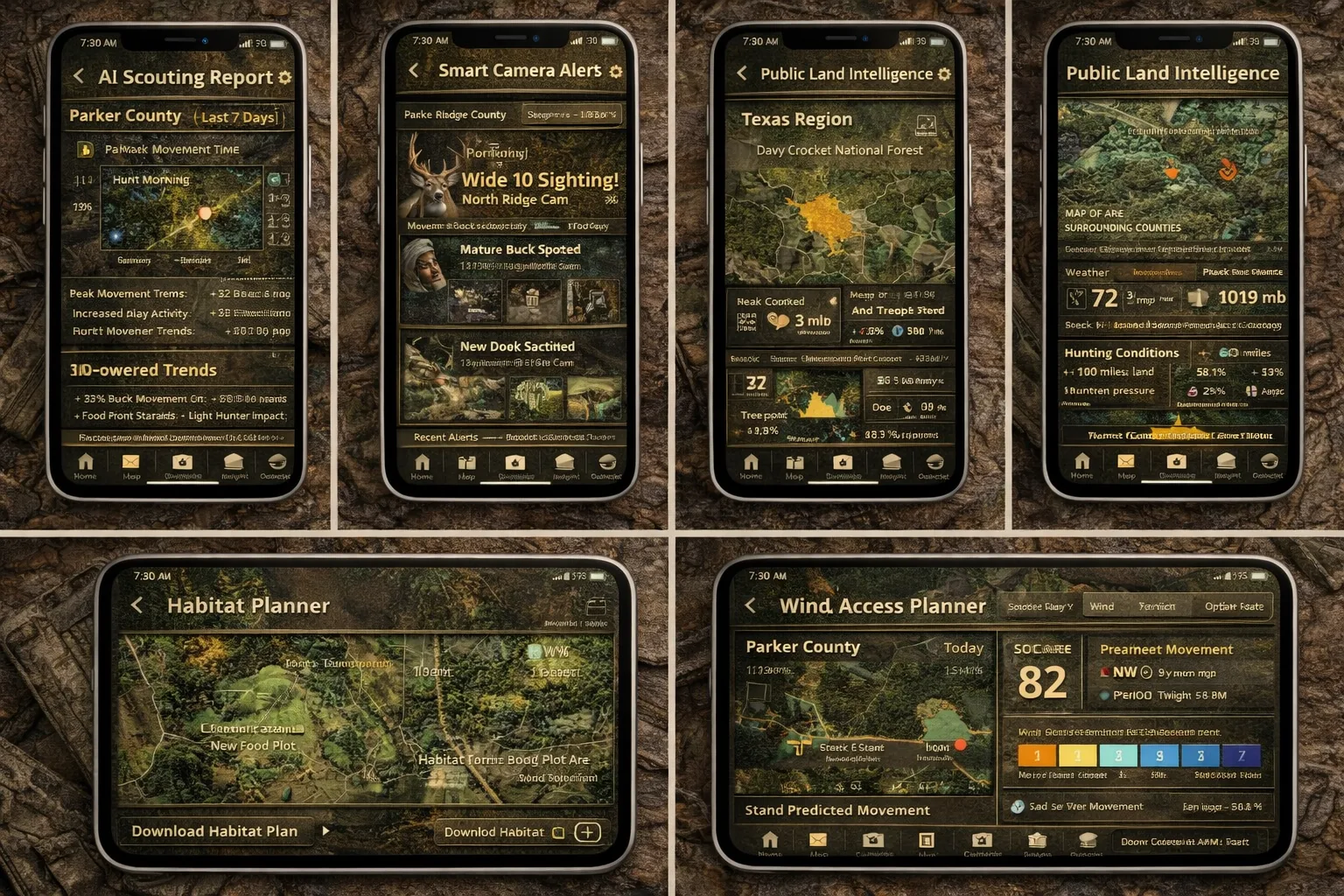
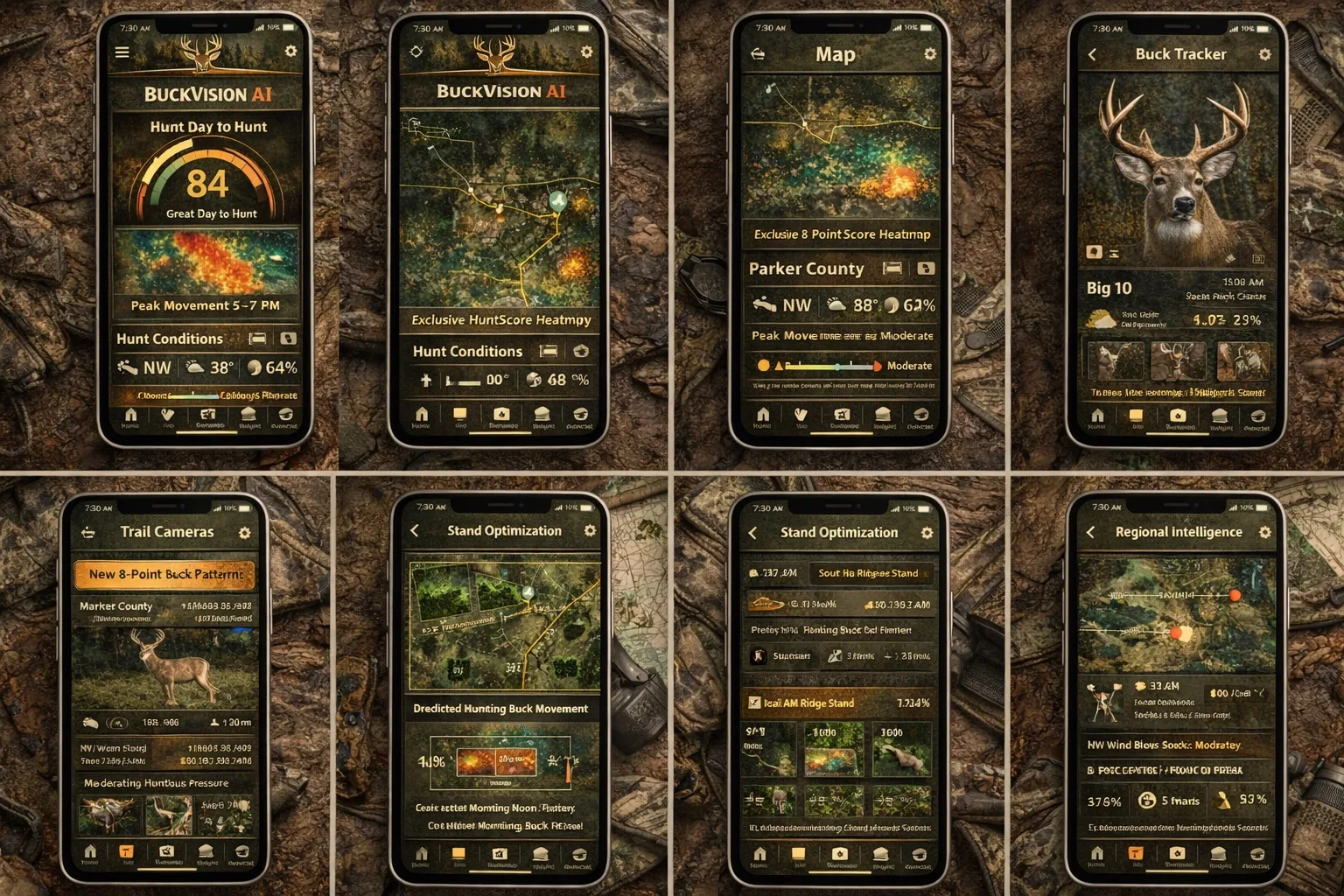
This demo is built to feel like a real product walkthrough. Move screen by screen, see what the hunter sees, and understand what information is shaping each recommendation.
Daily decision layer
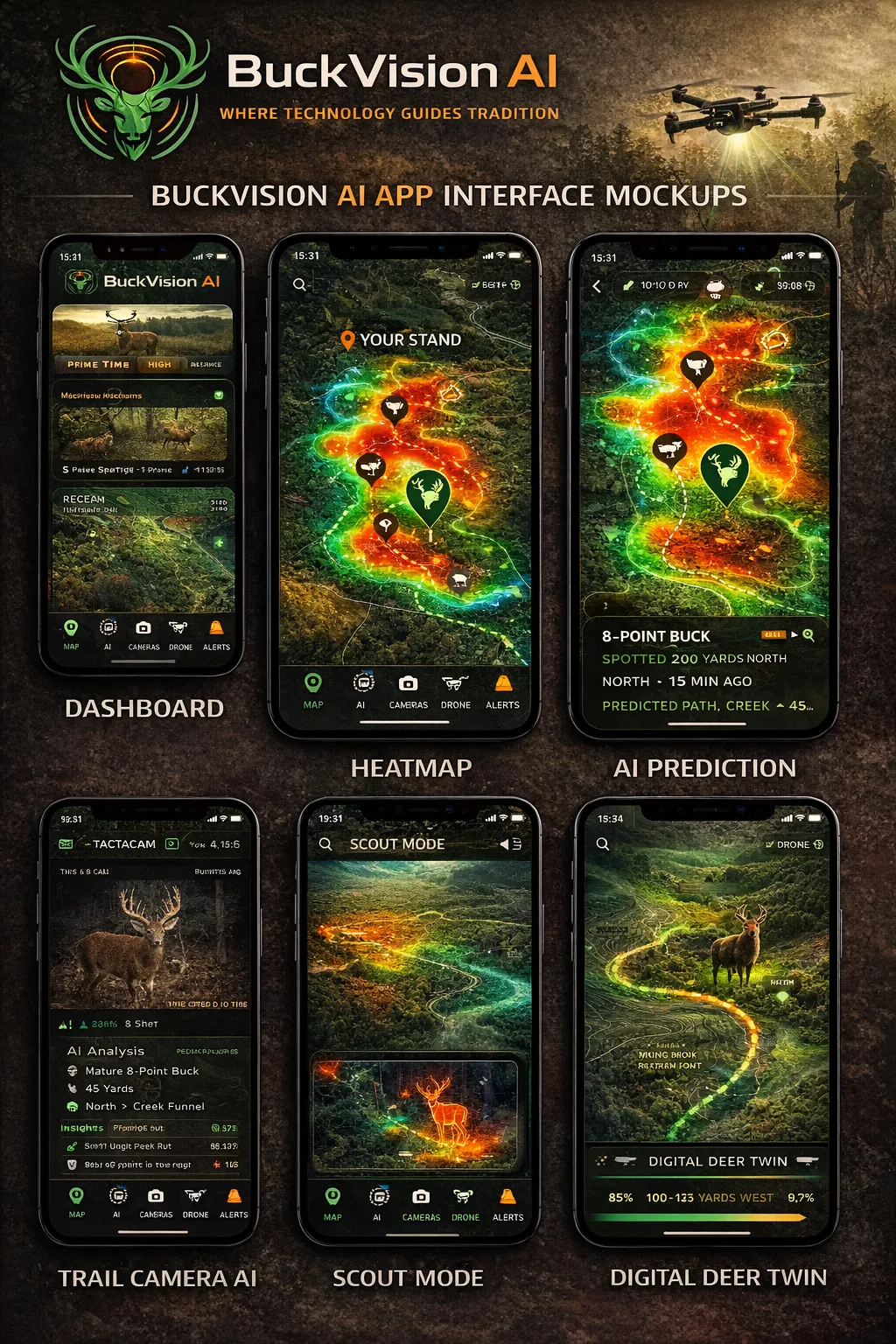
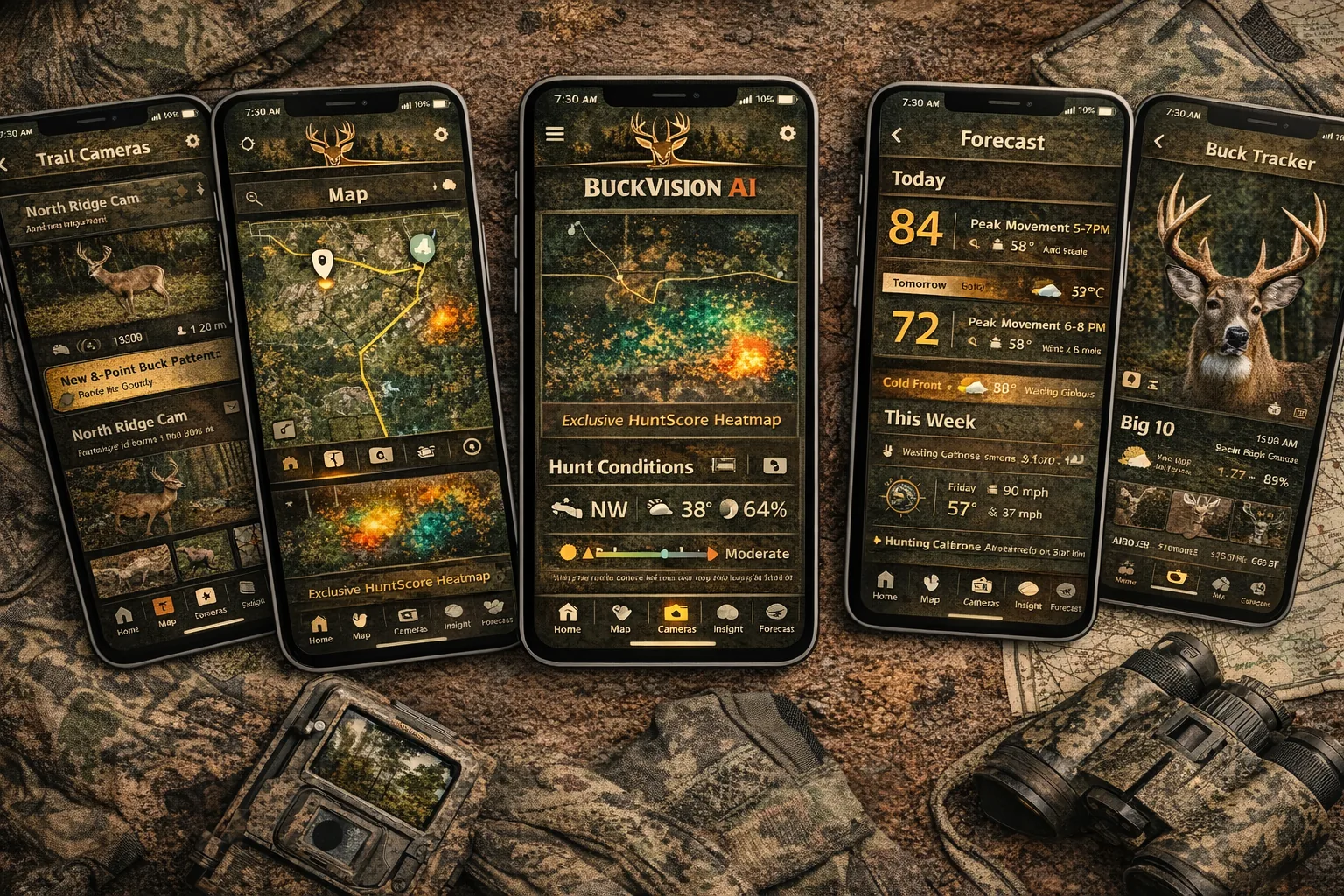
Hunt Dashboard
The Hunt Dashboard gives a fast read on whether the day is worth hunting, what stand looks strongest, and what timing window matters most.
How this helps
Reduces indecision
It gives the hunter one immediate summary instead of forcing them to piece together weather, terrain, and recent activity by hand.
What it uses
Conditions + movement
Inputs can include movement timing, weather change, wind fit, trail camera activity, and how the stand matches the day.
What the hunter sees on this screen
A simple score, a stand recommendation, a time window, and a clear short explanation of why the day looks strong.
Why this matters in the field
Visual context